
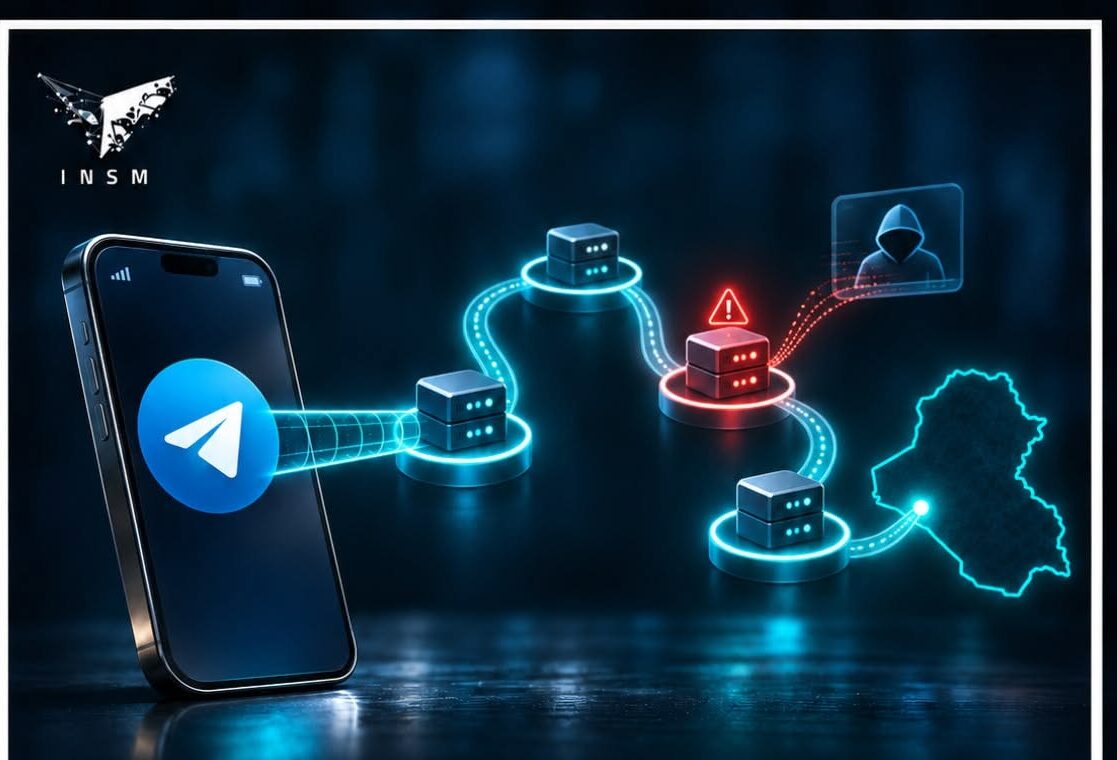

With today’s decision to block Telegram in Iraq, thousands of users may find themselves forced to look for alternative ways to regain access to their accounts and conversations, most notably VPN apps and the proxy servers that Telegram supports.
However, rushing to use these tools, especially free or unknown ones, may expose users to risks to their privacy and data security, without them realizing what information the operators of these services can access.
What should you know before using a VPN or a proxy?
VPN apps route your internet connection through servers run by the service provider. Although this technology can help bypass blocking and strengthen connection protection in some cases, it does not guarantee your digital security and privacy. Some untrustworthy services may collect information about users’ activity, keep logs of their connections, or share their data with third parties. Fake apps may also be used to steal information or install malware on devices.
A proxy, which can be enabled from within Telegram, lets you connect to the app through an intermediary server without running a VPN on your entire device. But using an unknown proxy is not risk-free. An MTProto proxy, for example, cannot read the content of your chats or identify your account through the proxy itself, but it can see the IP address you connect from and the times you connect, and this information could be used to track aspects of your digital activity.
The risks increase when users rely on proxy links circulated by unknown channels and groups, or download VPN apps from unofficial links simply because they promise to get Telegram working again. These links and services are not necessarily subject to clear privacy standards, and some may exploit users’ need to bypass the block.
INSM’s recommendations to help you stay safe:
If you need to use a VPN, choose a well-known service with a clear privacy policy, verify the identity of the company operating it and check independent reviews, and download the app from an official source. Do not grant it access to your contacts, messages, or photos unless there is a justified need.
If you choose to use a Telegram proxy, avoid servers and links from unknown sources, don’t assume a proxy is safe just because it works inside the app, and delete any proxy whose operator you don’t trust.
In both cases, make sure to enable two-step verification on your Telegram account, review your connected devices, and stay safe.
